Working with the Mobile App
There's a ton of functionality that you can utilize in the mobile app, across several of the system. Namely:
There's also some fantastic mobile-specific technology you can learn about:
for Android Users
To be able to operate the mobile app on an android device, you'll need to ensure the device is running Android 12 OS or higher.
Filtering/Sorting
Filtering/Sorting is available for:
- Service
- Appraisals
- Inventory
- Leads
- Deals
At the top of the list for each of the above Items, you'll see a Refine button. Click that, and the available filters will be shown for you to modify. These filters are saved even when you close the app, so be sure to check them if you can't find what you're looking for.


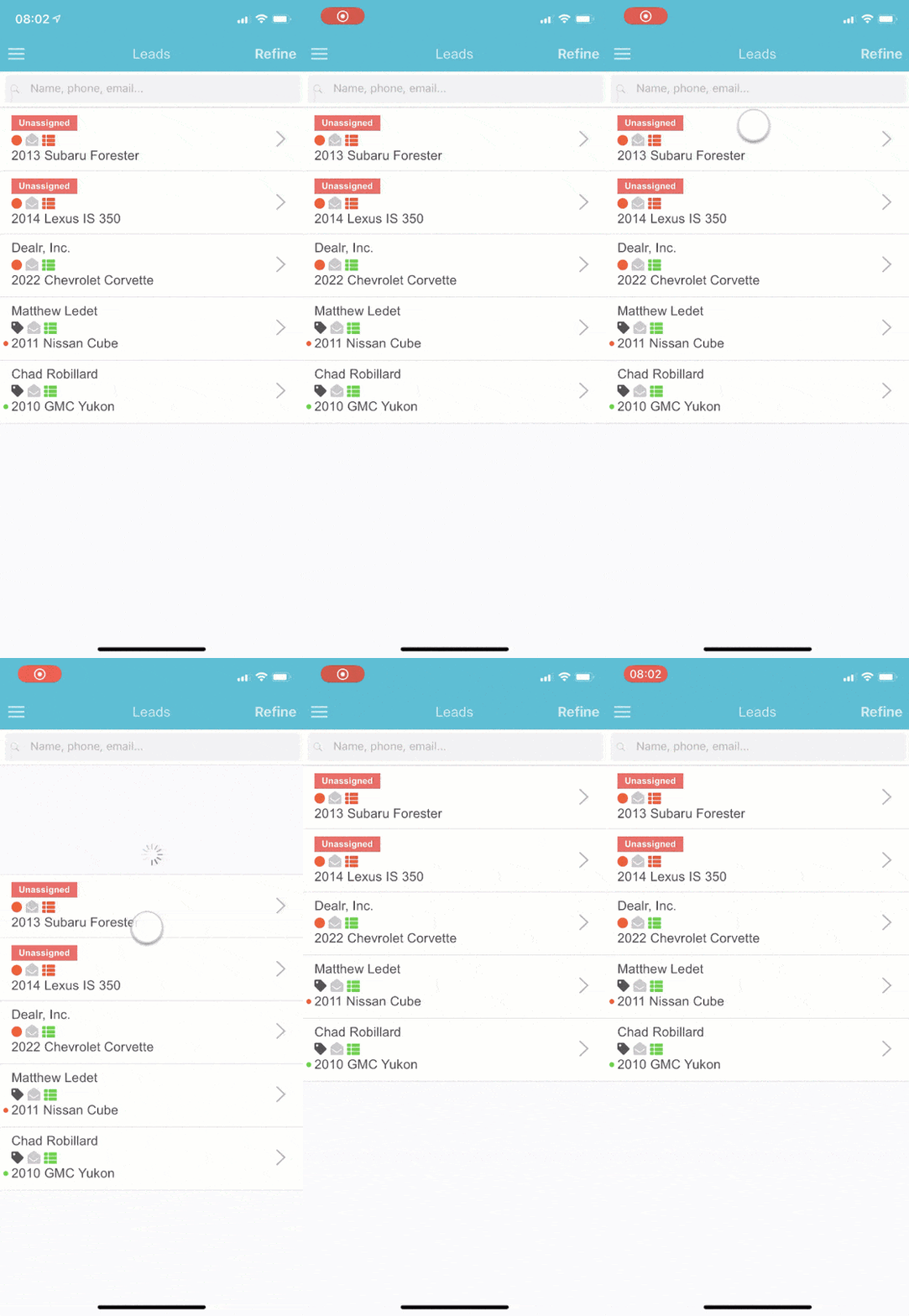
Refreshing
You can pull down on the list to refresh the Items you're seeing. Most of the time, Items are cached for 15-30 minutes, so pulling down on the list will force a refresh.
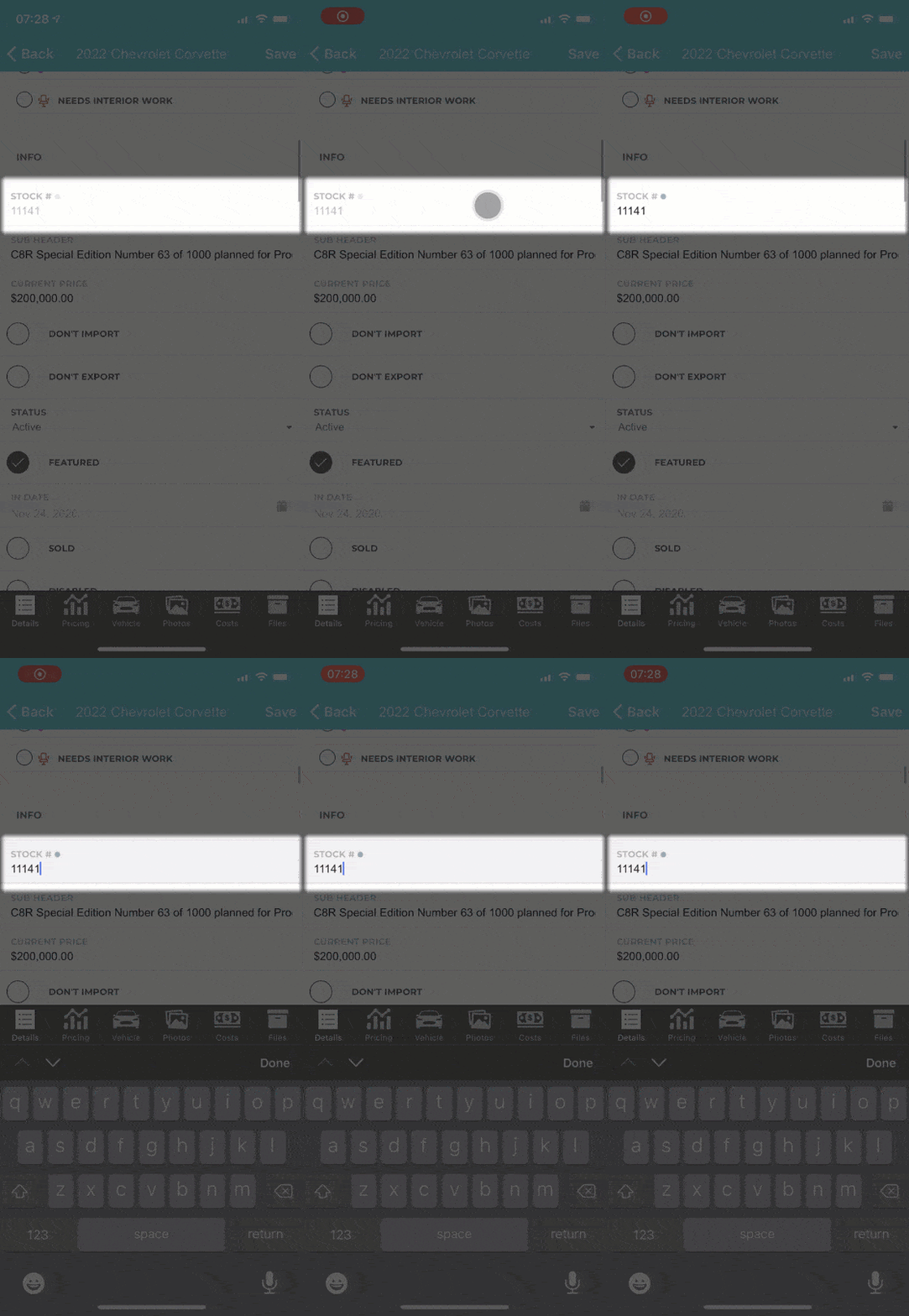
Secret Circles
If you ever see a secret circle in the app, you can swipe the field to the left and it will unlock for you.
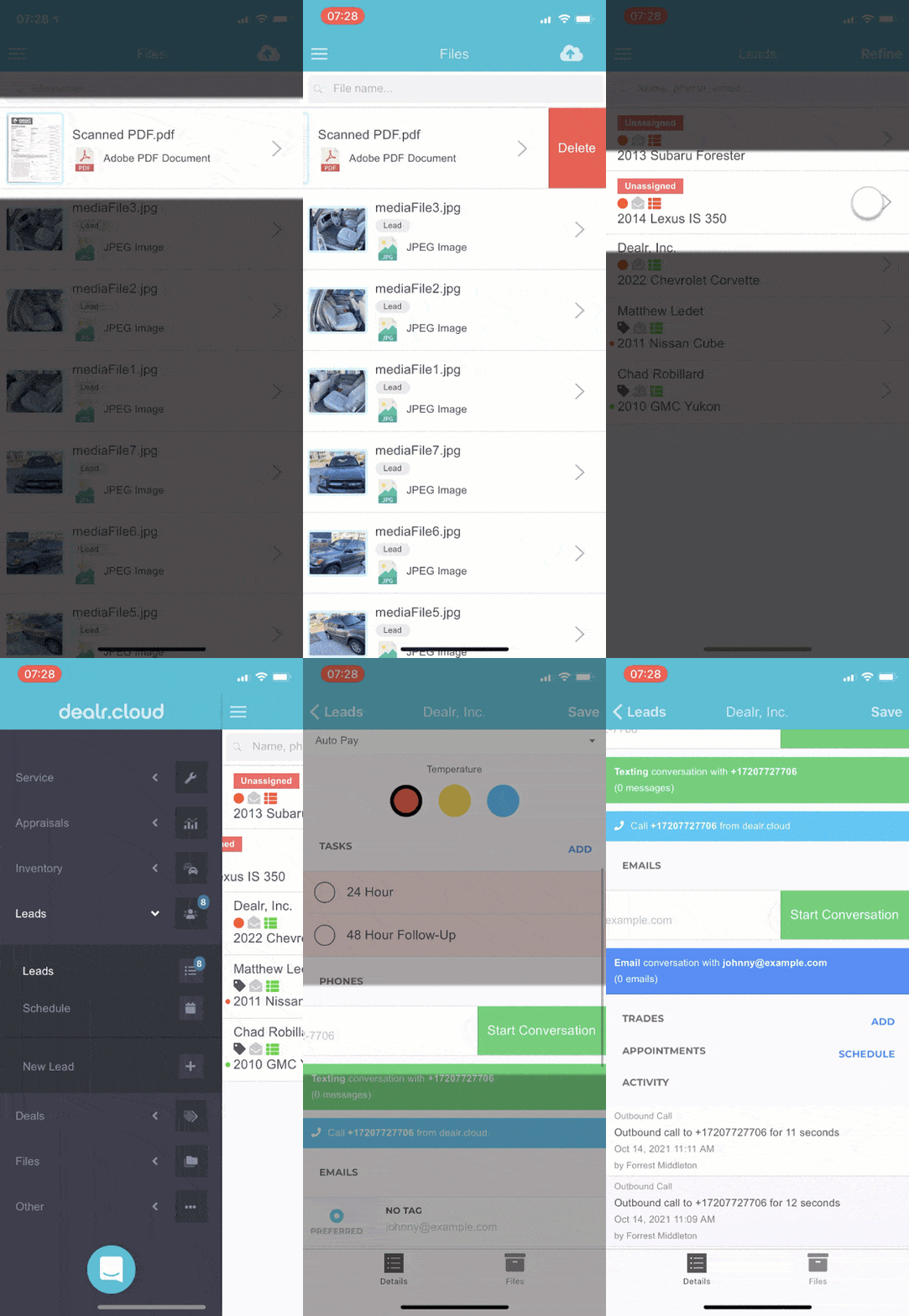
Swipe Buttons
In various places in the app, you'll be able to swipe to the left on a list or an item to see additional options. Feel free to experiment with where these buttons are, but a few of them:
- Delete button on leads list, files list, appraisals list, deals list, tickets list.
- Start conversation on lead phone number/email
- Removing phones/emails on customers
- Removing photos
- Viewing/starting a worksheet on a lead vehicle
Push Notifications
Push notifications are notifications that are "pushed" directly to your phone so you can get notified instantly when important events happen, like receiving a new text or lead.


If you want to see which notifications can get sent out and control your preferences, go to User Settings and read the descriptions for each notification.