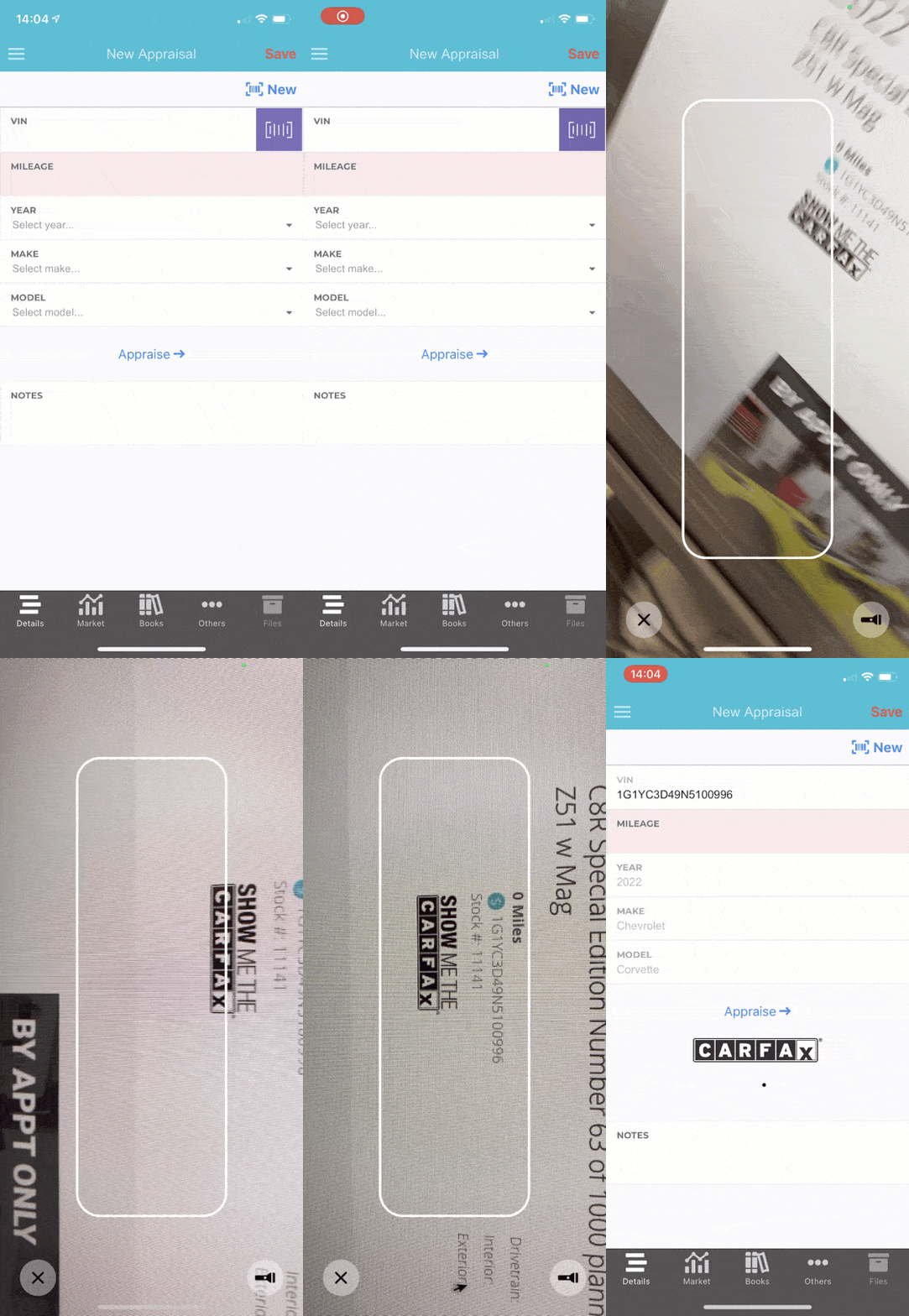
VIN Scanner
The VIN scanner is available on both iOS and Android. The scanner is the fastest on iOS, so we recommend using an iPhone if possible to scan VINs. You can scan VINs in order to:
- Appraise vehicles
- Create new inventory
- Lookup inventory
- Add trades to leads/deals
Each function can be accessed in the respective location of the app, and anytime you see a button that looks like the following, you can tap it to get the VIN Scanner.


VIN Scanning
Barcodes
There are three common barcodes you'll find on vehicles:
- Code 39
- Data Matrix
- QR Code
Below are examples of the barcodes you might find. Go ahead, pull out your phone and test it!
Code 39


Data Matrix


QR Code


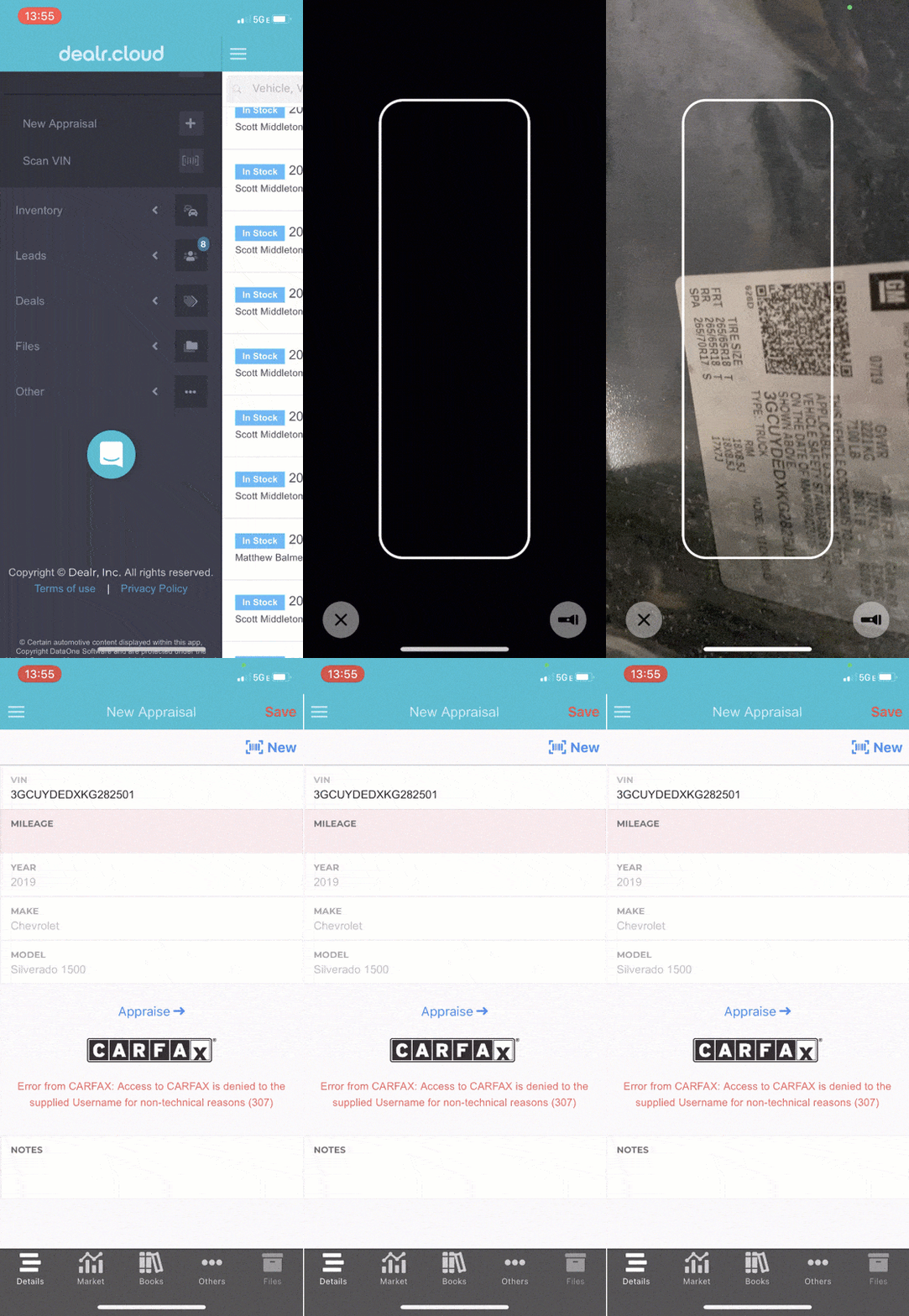
Text
One of the greatest functionalities of the VIN Scanner is the ability to scan text without seeing the barcode!
Checkout these two examples. The first is a dirty windshield, but you can still scan the text. The second is a VIN tag, but there's no barcode. Test it with your phone now, either will scan!


You can even scan a VIN from a website!