Leads
Most of the Leads functionality on the mobile app mirrors that on the web application, but we'll list some differences below. For more info on Leads, see Working with Leads.
Scanning Driver's License
The quickest way to create a lead is through scanning a driver's license. Anytime you see a purple card icon, you can tap it to view the driver's license scanner.
Starting Conversations
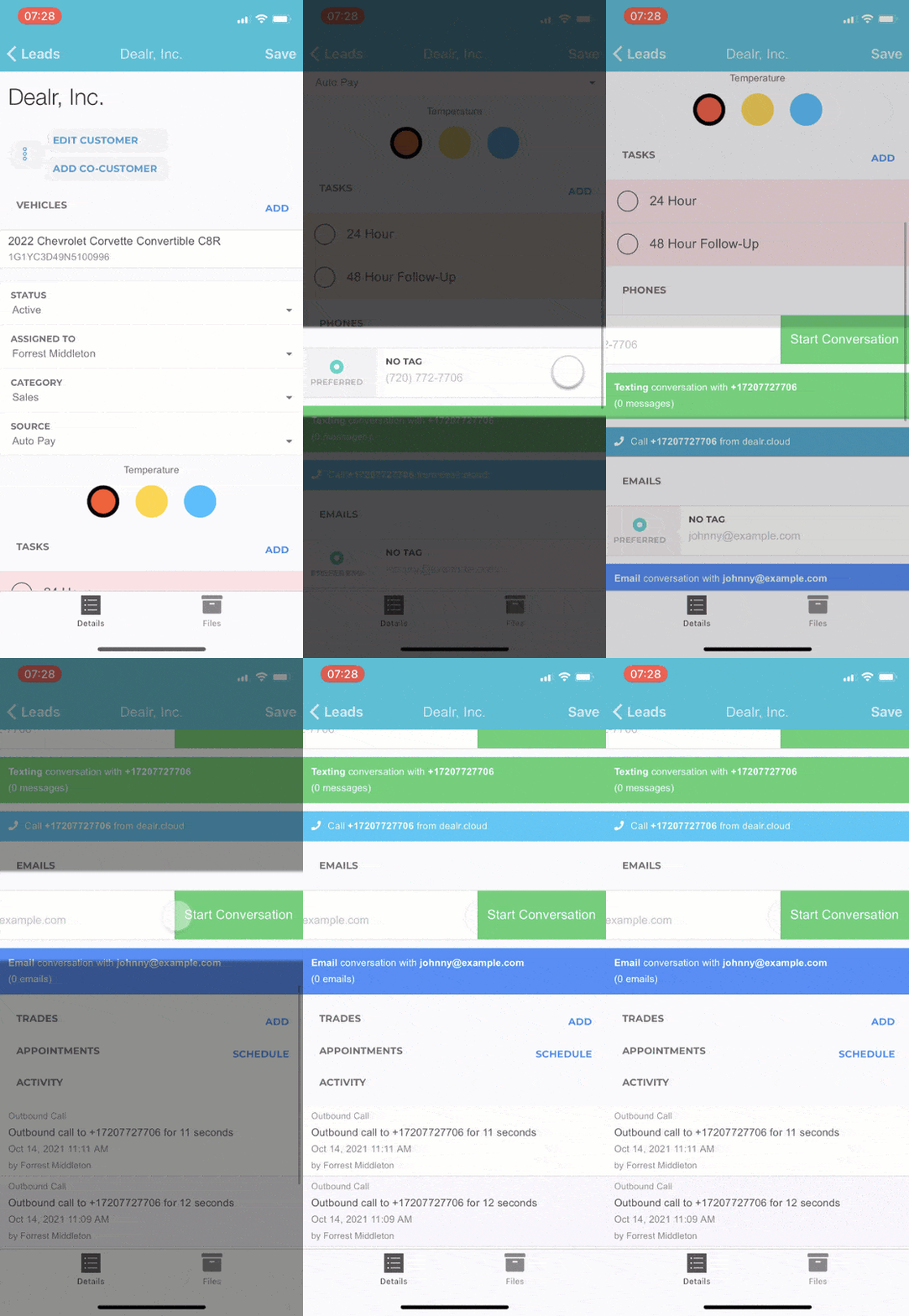
If you want to start text or email conversations from the mobile app, just swipe to the left on the phone or email. The Start Conversation will be shown!
Worksheets
Worksheets can be seen/created by swiping to the left on a vehicle on the lead.


